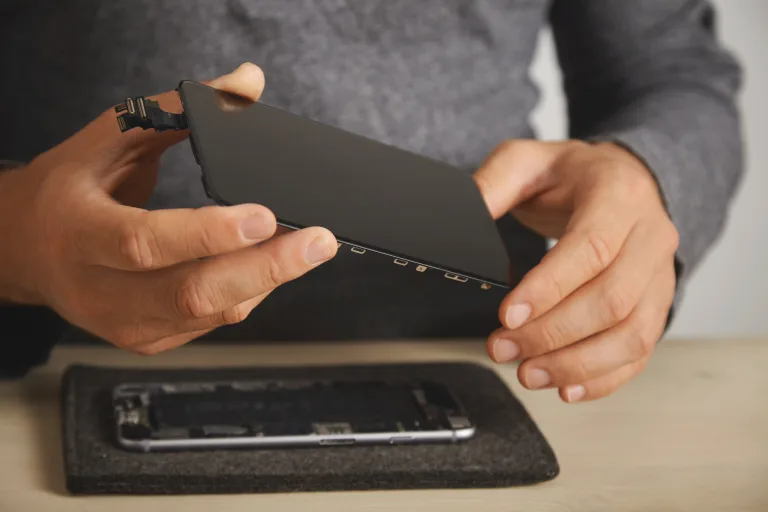
Does your phone need a new battery? 7 signs it’s time
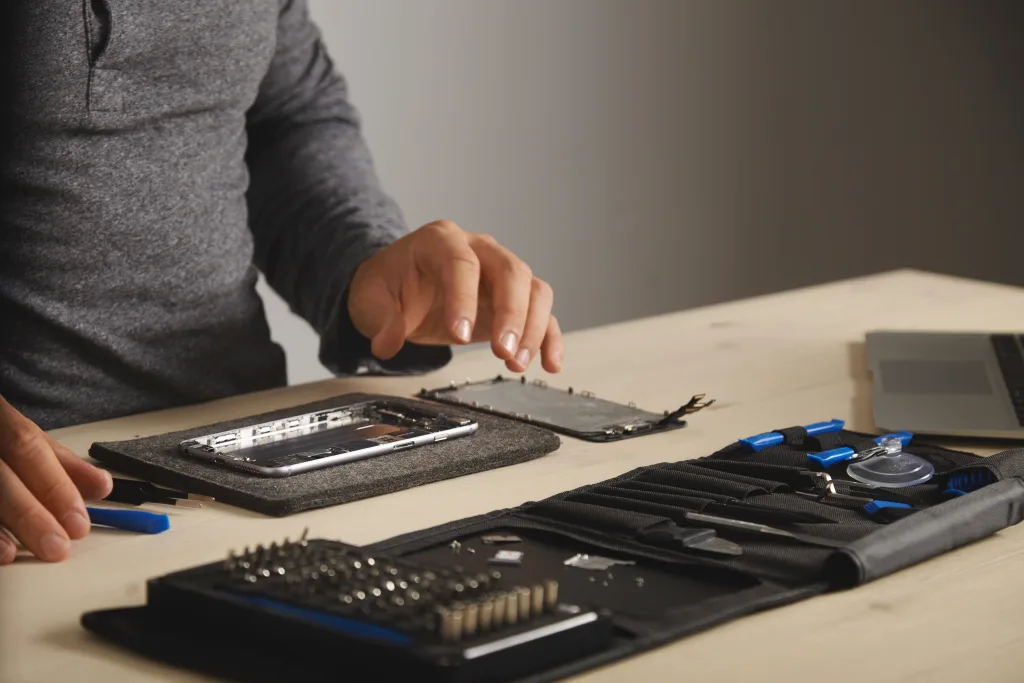
If your phone used to last all day and now needs a top-up by lunchtime, you are not imagining it. Batteries wear out with use, and a phone battery replacement is one of the simplest, most affordable repairs you can get. It can make an older phone feel much more like it did when it was new, without the cost of buying a new handset.
Here are the most common signs your battery is on its way out, how to check its health, and what to expect when you book a repair.
Why phone batteries wear out
Almost every modern phone uses a lithium-ion battery. Each time you charge and use it, the battery goes through a little chemical wear. Over months and years, it slowly loses the ability to hold as much charge as it did on day one. Heat, leaving your phone on charge in a hot car, and regularly running it right down to zero can all speed this up.
This is normal, and it does not mean your phone is broken. In most cases the rest of the phone is perfectly healthy and only the battery needs swapping.
7 signs your phone needs a new battery
1. It no longer lasts the day
The most obvious sign. If you are using your phone the same way you always have but it now runs flat much earlier, the battery has probably lost a good chunk of its capacity.
2. The percentage jumps around
Does it sit at 40% for ages, then suddenly drop to 10%? Or switch off while it still says it has charge left? A worn battery can struggle to report its level accurately, which leads to these sudden drops and surprise shutdowns.
3. It only works when plugged in
If your phone switches off as soon as you unplug it, or will not turn on without the charger attached, the battery may barely be holding any charge at all. It is worth getting this looked at soon.
4. It feels slower than it used to
Some phones reduce performance when the battery is worn, to avoid unexpected shutdowns. Apps take longer to open and everything feels a bit sluggish. A new battery can often bring back that lost speed, although slowness can have other causes too, such as a nearly full storage.
5. It gets hot
Phones get warm when charging or gaming, which is fine. But if it gets uncomfortably hot during light use, or while sitting idle, the battery could be at fault. Heat also wears batteries faster, so the problem can snowball.
6. The screen or back is lifting
This one is important. If the screen is starting to lift away from the frame, or the back looks bulged, the battery may be swelling. Stop charging and using the phone, do not press on it or try to open it, and take it to a repairer as soon as you can. A swollen battery needs careful, professional handling.
7. Your phone tells you
Many phones now show a battery health reading or a service message when the battery has worn down. If yours is warning you, it is worth taking seriously.
How to check your battery health
- iPhone: go to Settings, then Battery, then Battery Health (or Battery Health & Charging). It shows the maximum capacity compared with when the phone was new, and may show a service message.
- Android: this varies by make and model. Look in Settings under Battery or Device Care, or in the maker’s own support or diagnostics app. Some phones show a health status, others do not.
- Any phone: pay attention to how it behaves. Sudden drops, shutdowns and heat tell you a lot, even if your phone does not give a figure.
When does a phone battery replacement make sense?
For most people, replacing the battery is far cheaper than replacing the phone. If you are otherwise happy with your handset, the screen is fine and it still gets software updates, a new battery is usually a smart move. It keeps a working phone in use for longer, saves you money and means less electronic waste.
It may be worth thinking twice if the phone has several other faults, such as a cracked screen, a broken charging port and water damage all at once, or if it no longer receives security updates. A good repairer will be honest with you about whether the repair is worth it.
What does it cost?
Prices vary a lot depending on the make, model and the type of battery fitted. As a very rough guide, many independent repairers charge somewhere in the region of £40 to £100 for a phone battery, with some newer or premium models costing more. The only way to know for sure is to ask for a quote for your exact model.
How long does it take?
On many popular phones, a battery swap can often be done while you wait or the same day, as long as the repairer has the part in stock. Ringing ahead or sending a price request first saves you a wasted trip.
Questions to ask before you book
- What kind of battery will you fit, and what quality is it?
- Is there a warranty on the battery and the work?
- How long will it take, and is the part in stock?
- Will my data be affected? (It should not be, but always back up first.)
Before any repair, back up your photos and messages, and make a note of your passcode in case the repairer needs to test the phone afterwards.
Find a trusted local repairer and get a price
Repair Not Replace lists independent repairers whose reviews we have checked, so you can find someone you can trust without the guesswork. Pick your town below, browse the local repairers and send a free price request for your phone battery replacement:
We are adding more towns all the time, so if yours is not listed yet, check back soon.